brokreAI Secure Credential Proxy
A local credential proxy tool designed for AI agents and humans to collaborate. Let AI safely execute ssh, mysql, psql and other commands, passwords never enter AI context, environment variables, or process output.
Core Design Philosophy
One rule: Passwords never enter AI's reachable range, nor observable process state
8 Security Features
From password storage, transmission to AI access boundaries, full-link zero-leak design
No env/ps leakage
Injection based on PTY prompt; passwords are never passed via -p, SSHPASS, MYSQL_PWD or exported environment variables.
Parent process holds no plaintext
Saved passwords are decrypted in a short-lived brokre --internal-injector child process, written to PTY, then the child exits immediately (Unix).
AI cannot reveal
brokre reveal requires real TTY + master password, not available in Web UI, and not exposed through MCP.
Static vault encryption
Per-field AES-256-GCM encryption; DEK wrapped by OS keyring (Linux) or ~/.brokre/.master_kek (macOS), optional Argon2id to reveal password.
MCP boundary isolation
MCP only exposes metadata (brokre_list) and execution (brokre_exec), not passwords, session tokens or reveal capability.
Admin UI security
Binds only to 127.0.0.1; passwords are write-only; session tokens printed in terminal, never returned to AI; 15-minute idle timeout.
Audit chain
HMAC chained JSONL audit logs; brokre audit verify can detect tampering.
OS hardening
Disable core dump, ptrace check (Linux), optional mlockall, see docs/HARDENING.md.
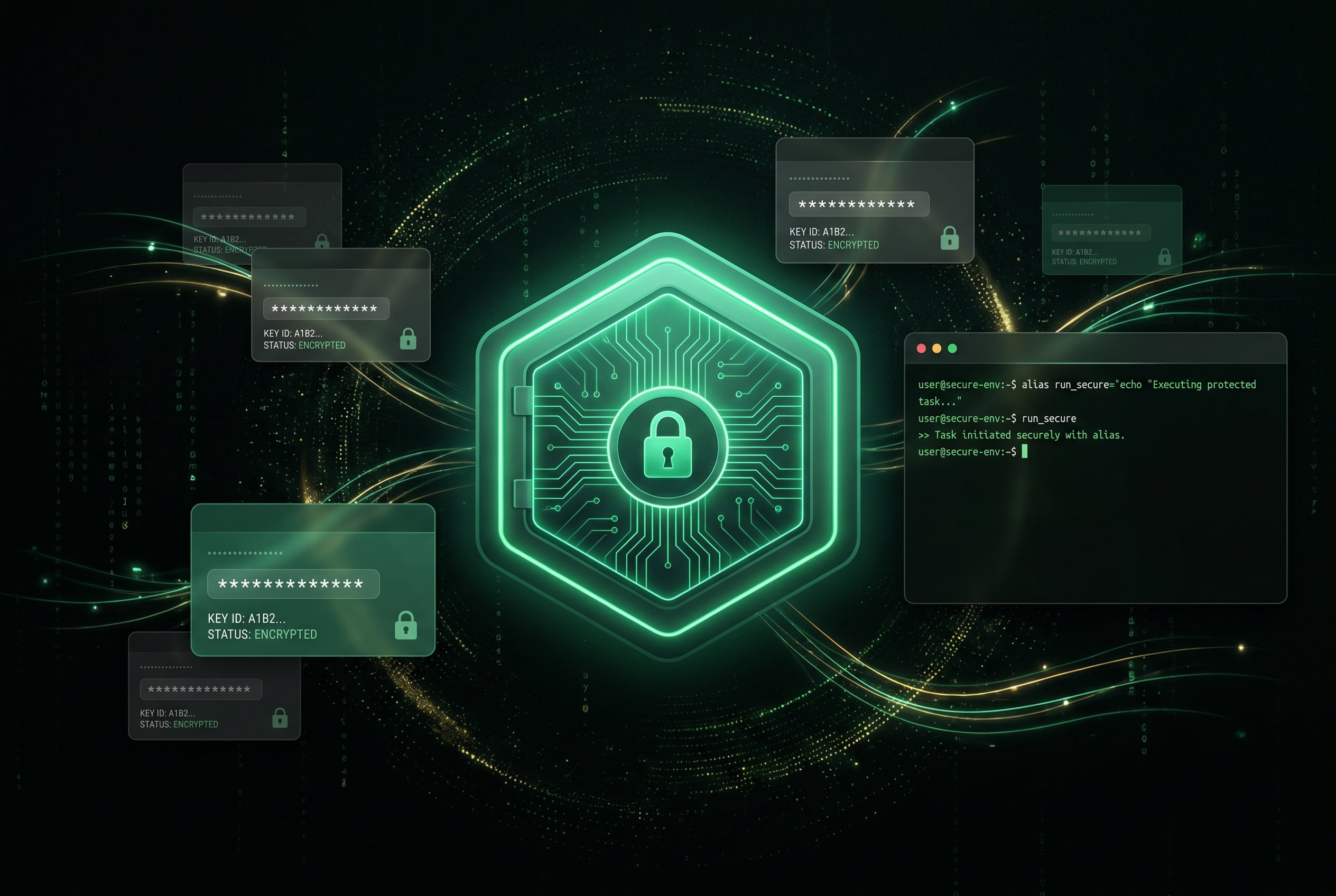
AES-256 Encrypted Credential Vault
Passwords stored in encrypted vault; AI and users only see aliases and metadata, real credentials never exposed
Quick Start
Three steps to configure AI secure credential proxy
Add MCP Config
// Cursor: ~/.cursor/mcp.json
{
  "mcpServers": {
    "brokre": {
      "command": "npx",
      "args": ["-y", "brokre@latest"]
    }
  }
}First Connection, Save Credentials
# First run any CLI, interactively save password
brokre ssh root@10.0.0.1
brokre mysql prod-db
AI Secure Usage
# AI only sees aliases, passwords never exposed
brokre mysql prod-db -e "SHOW TABLES"
brokre ssh prod-bastion uname -a
MCP Tool Interfaces
Three secure tools exposed through standard MCP protocol; passwords and tokens are not included
| Tool Name | Purpose |
|---|---|
| brokre_list | List saved aliases (metadata only: profile, name, host) |
| brokre_exec | Run any saved CLI alias (binary + args) |
| brokre_setup | Open admin UI in browser for user to add credentials |
* Does not expose: reveal, password export or session tokens
Supported AI Clients
Any tool supporting stdio MCP can use brokre
Preset Management UI Groups
Built-in convenient management tabs for common tools; PTY wrapper supports any CLI on PATH